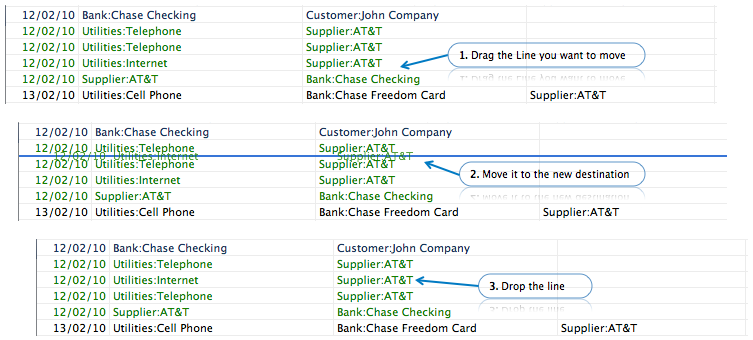
Sorting Book entries is seamless in BudgetInMind. Just drag the Book entry from the Book Transaction View to where you want to move it.
You can of course only move around transactions that are made on the same day. If a transaction has several lines, BudgetInMind will automatically detect if you want to move an entire book entry or a line within a book entry.
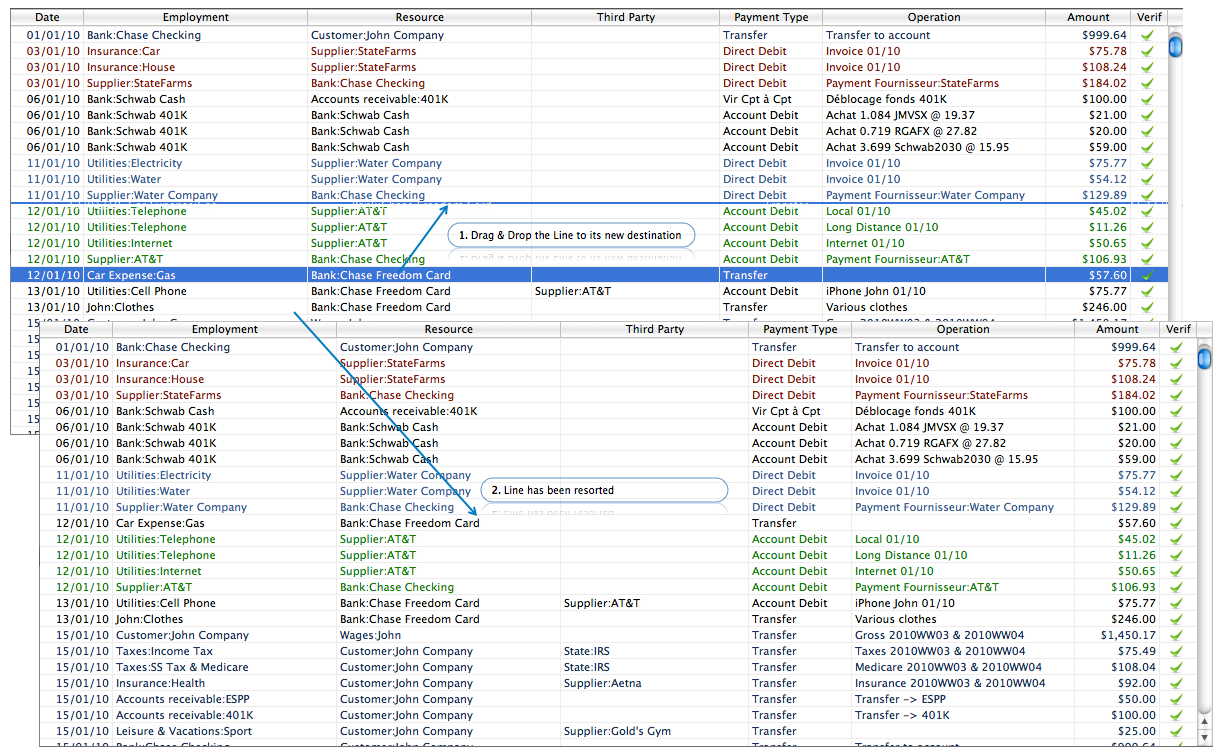
Note: An insertion line will appear if the move is authorized. If you can't see the line, then the move is forbidden.
Reordering lines within a given book entry
To reorder lines in a multiple lines book entry, do not select the line. Click on the line and hold the mouse down to start the Drag process. Then move the line to its desired location.