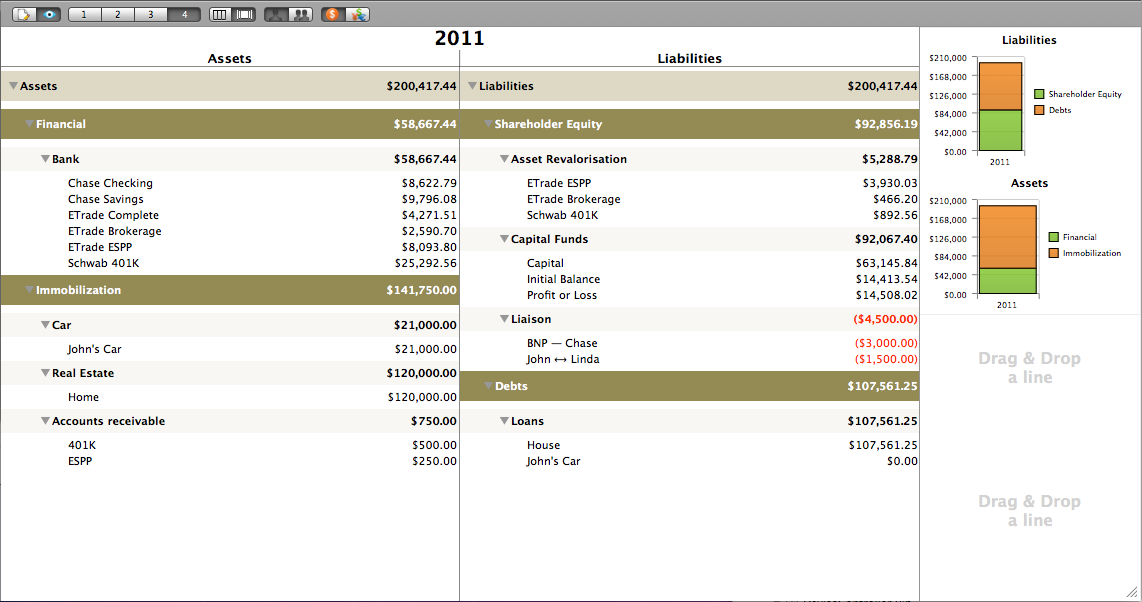
This view shows the Balance Sheet in the standard left-right accounting "T" view. It's goal is to propose either a one month view or a one year view of the Balance Sheet in a 2 column format for those who prefer this visual. Assets are on the left side, Liabilities on the right.
Ease of use: In the Preference window, you can hide this "T" view from appearing in the Navigation pane.